
.webp?w=2400&h=2400&q=80)
.webp?w=2400&h=2400&q=80)
.webp?w=2400&h=2400&q=80)
.webp?w=2400&h=2400&q=80)
.webp?w=2400&h=2400&q=80)
.webp?w=2400&h=2400&q=80)
.webp?w=2400&h=2400&q=80)
.webp?w=2400&h=2400&q=80)
.webp?w=2400&h=2400&q=80)
.webp?w=2400&h=2400&q=80)
.webp?w=2400&h=2400&q=80)
.webp?w=2400&h=2400&q=80)
.webp?w=2400&h=2400&q=80)
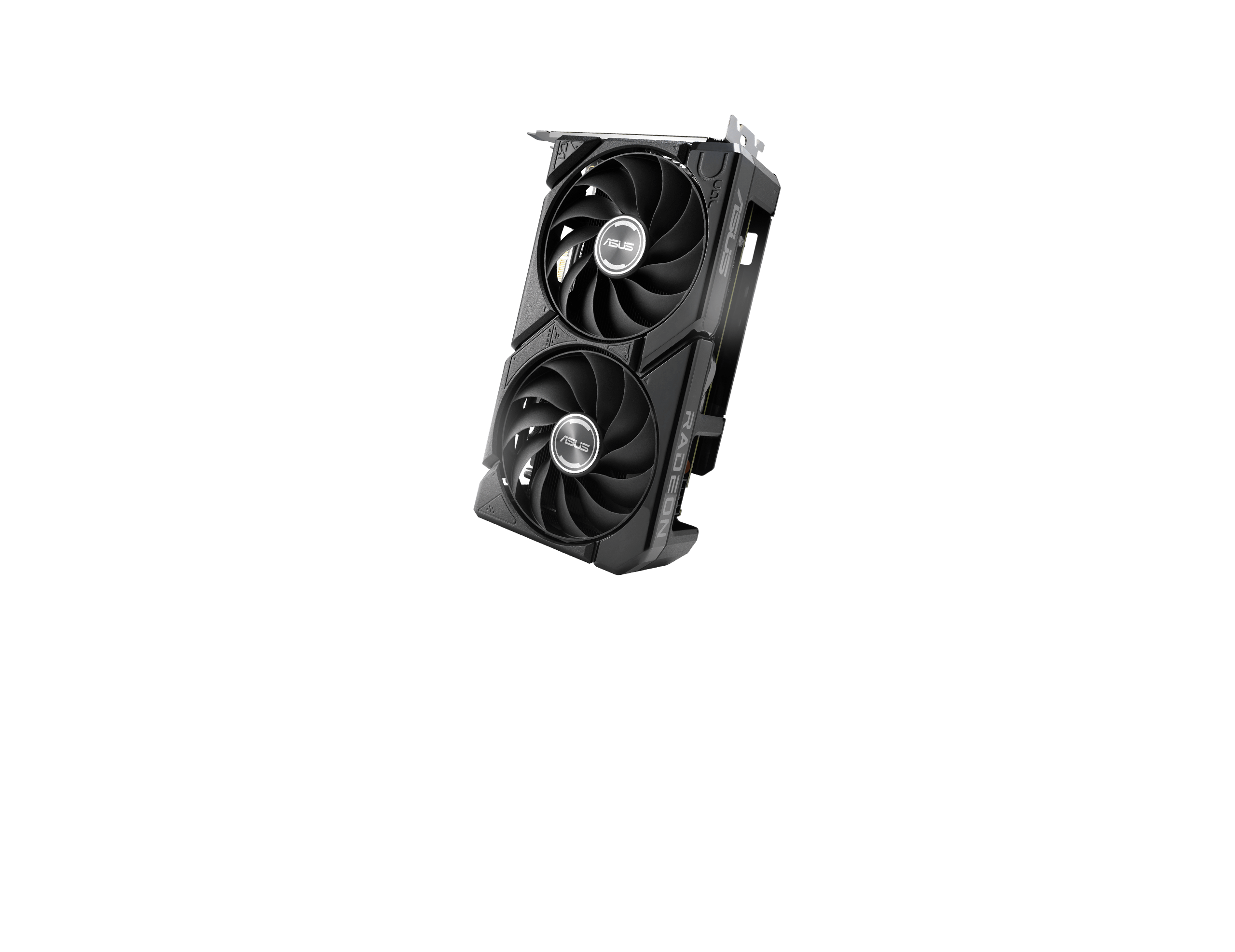
Dual Radeon™ RX 9060 XT
Dual Fans, Perfect Fit
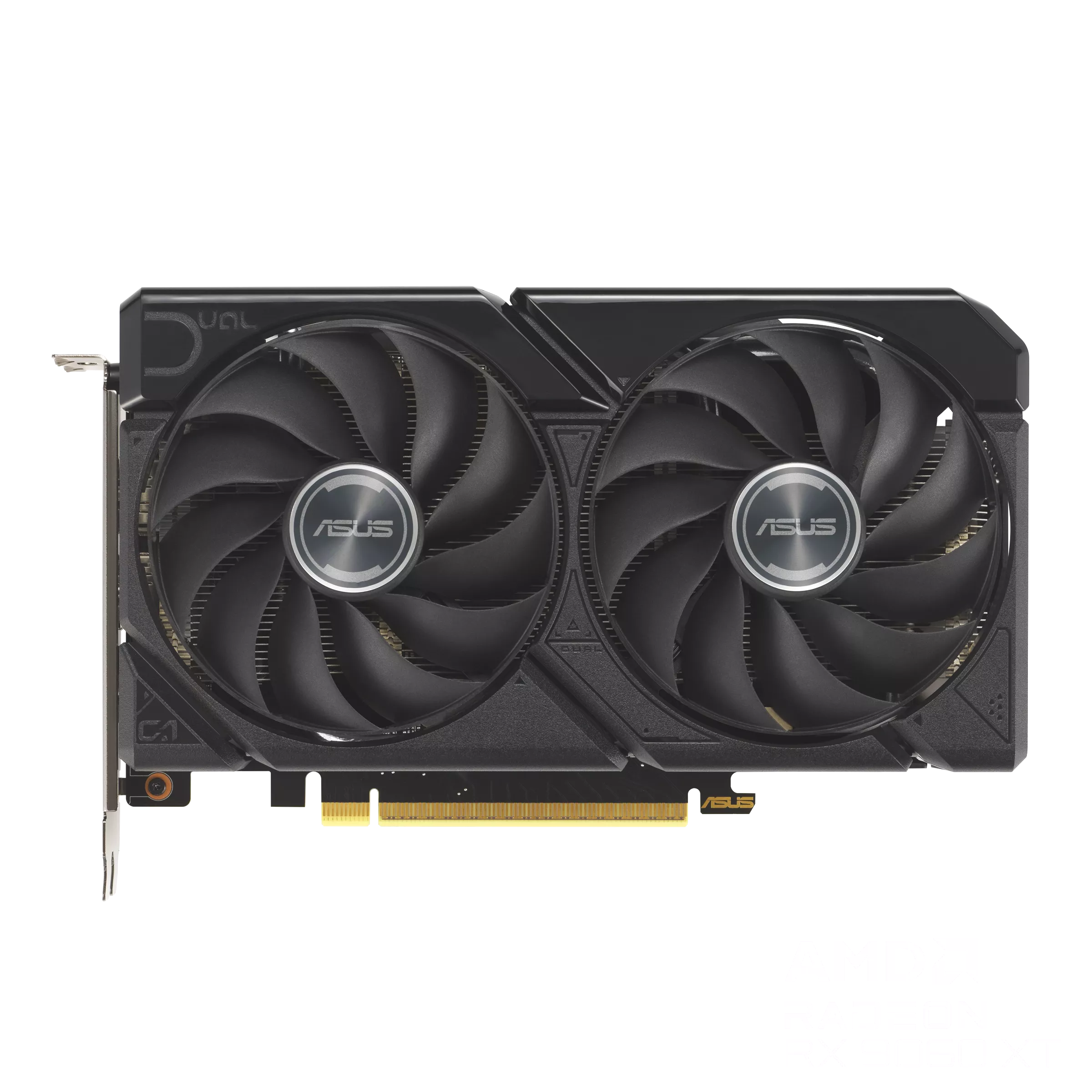
ASUS Dual Radeon™ RX 9060 XT combines powerful thermal performance with broad compatibility. Advanced cooling solutions from flagship graphics cards — including two Axial-tech fans for optimizing airflow to the heatsink. Designed in a compact 2.5-slot form factor, delivering more power in less space. These enhancements make ASUS Dual the perfect choice for gamers who want heavyweight graphics performance in a compact build.
-
2.5 Slot Design
Compatible with small-form-factor builds
![]()
-
Axial-Tech Fans
Longer blades improve airflow and dispersion
![]()
-
Vented Backplate
Enhanced cooling for optimal performance
![]()
-
![]()
Dual-Ball Fan Bearings
Up to twice the lifespan of sleeve bearings
-
![]()
Dual BIOS
Toggle between Performance or Quiet modes
-
![]()
GPU Tweak III
Ultimate GPU tuning utility
-
![]()
Adobe Creative Cloud
One Month of Free Adobe Creative Cloud
-
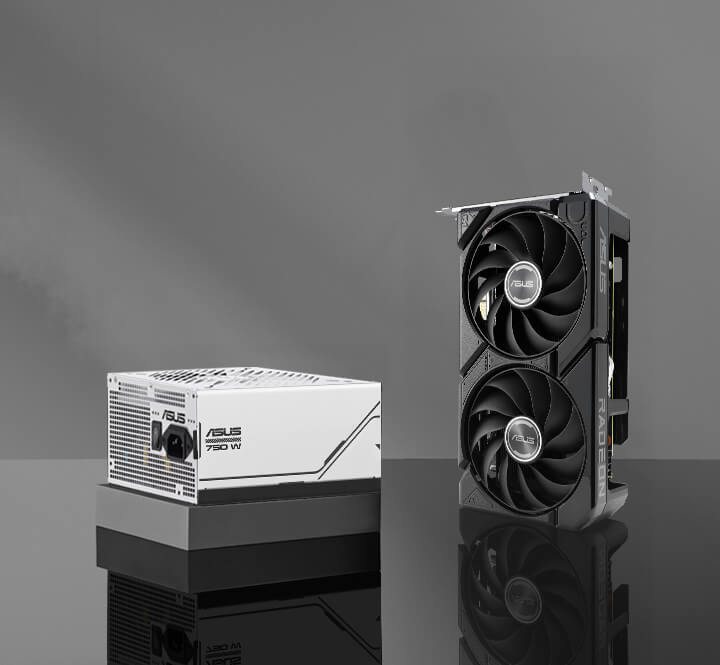
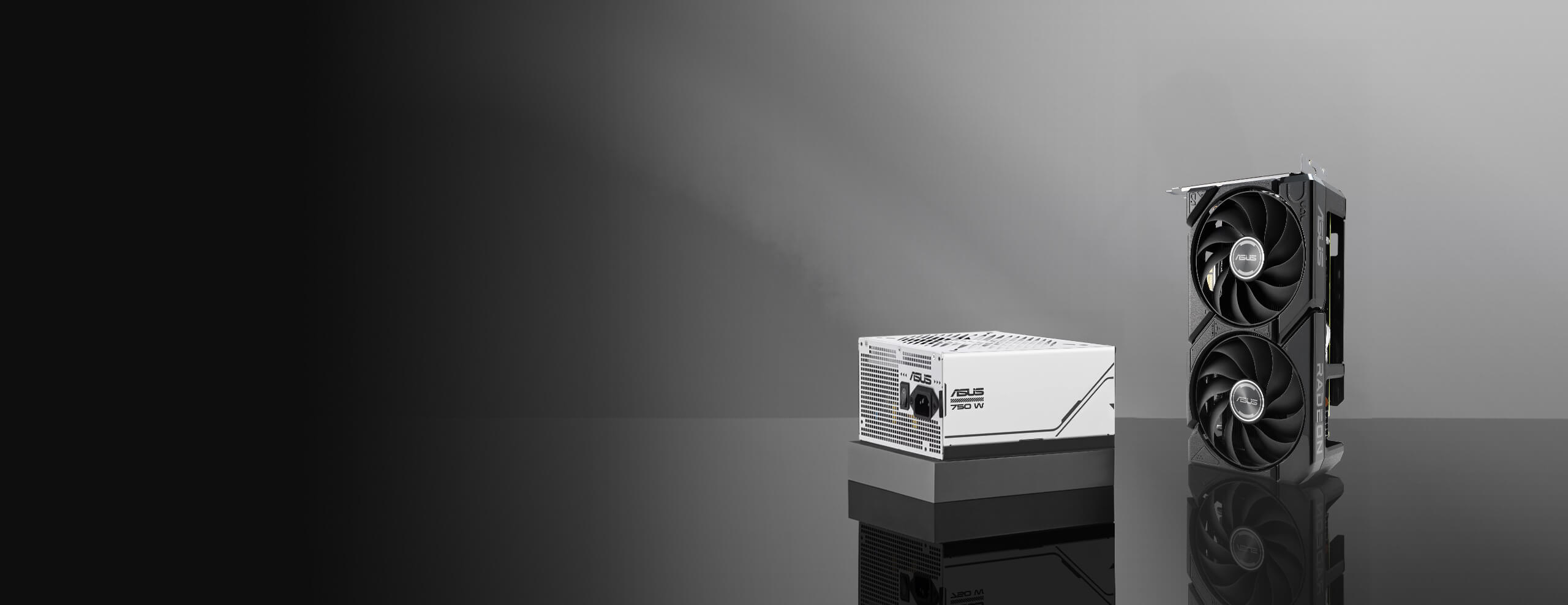
Ideal PSU Companion
ASUS Prime Gold 750W
![]()






Cooling
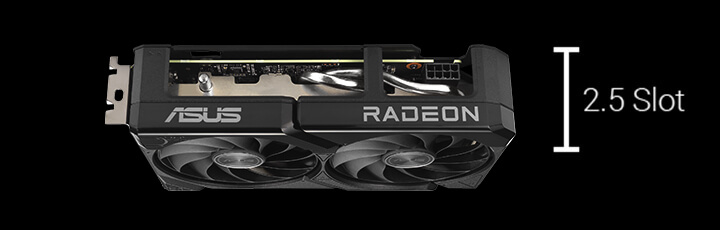
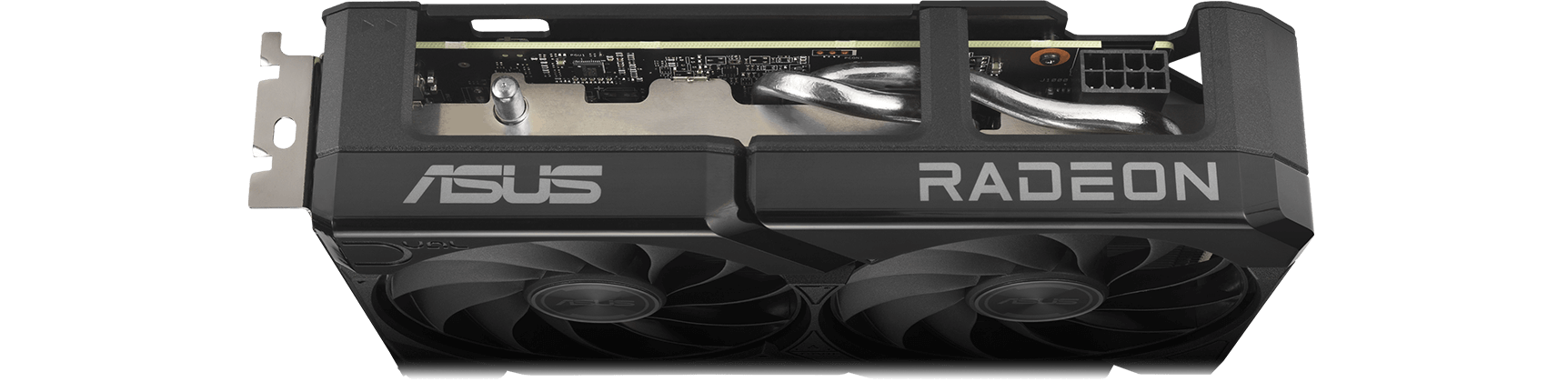
2.5-slot Design
A carefully designed shroud, heatsink, and heatpipe layout enables the two Axial-tech fans to leverage chassis side-panel ventilation, delivering thermal performance that beyond the compact size.
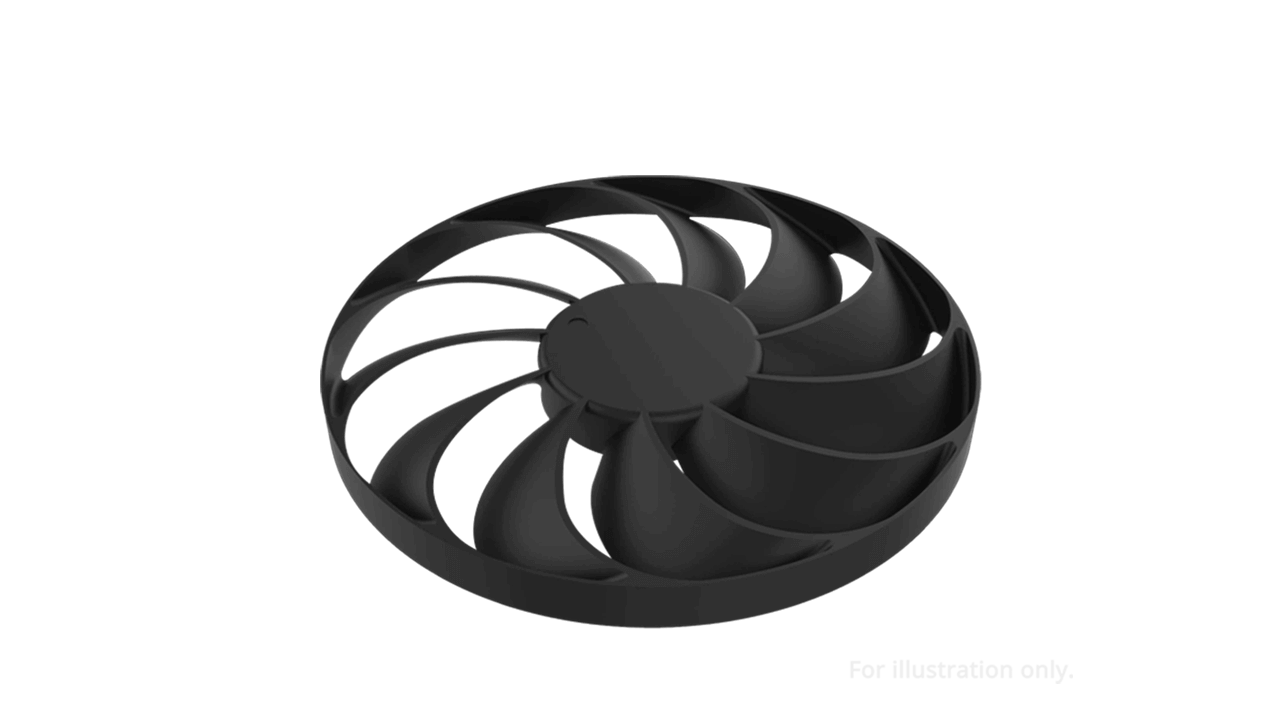
0dB Technology
To eliminate unnecessary noise, the stop mode automatically halts all fans when the GPU temperature drops below 55°C and power consumption is low.
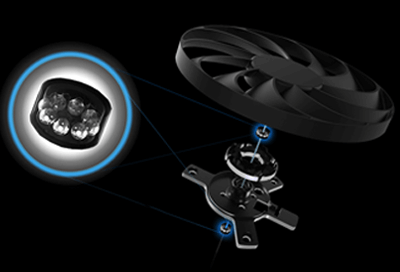
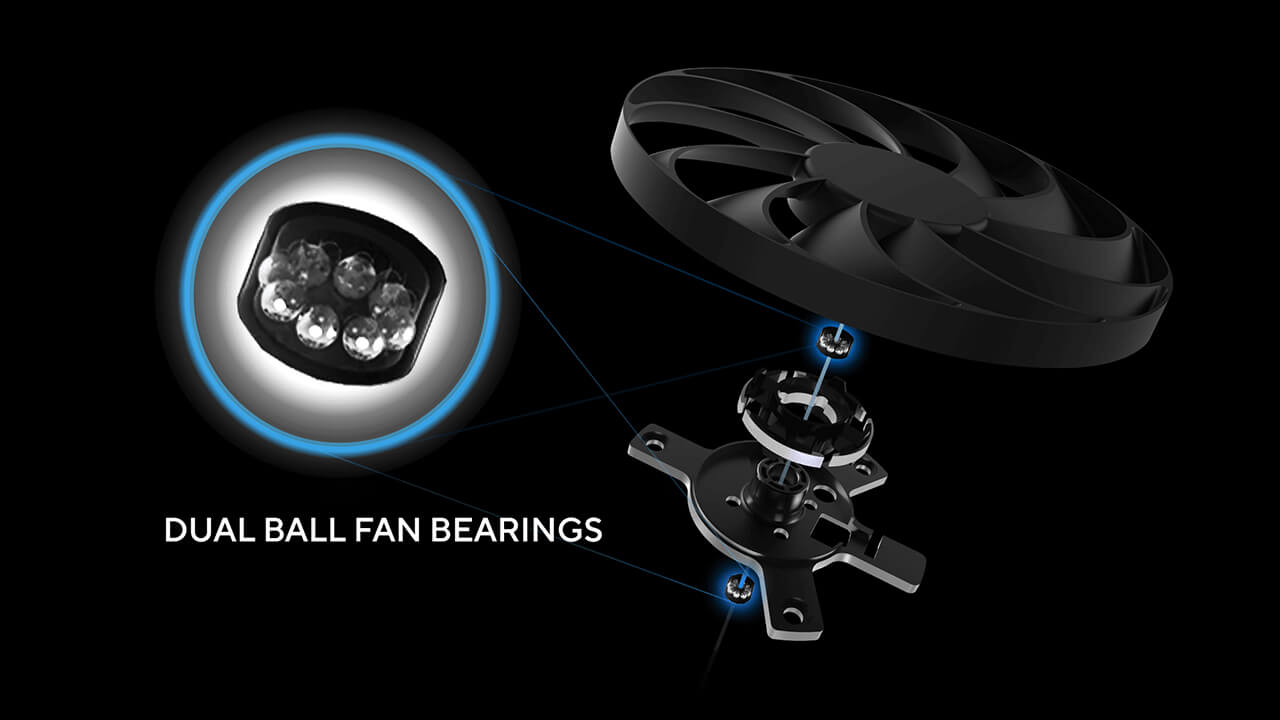
Dual Ball Fan Bearings
Fan bearings come in different types, each with its own advantages. Dual ball bearings provide superior durability and can last up to twice as long as sleeve-bearing designs.
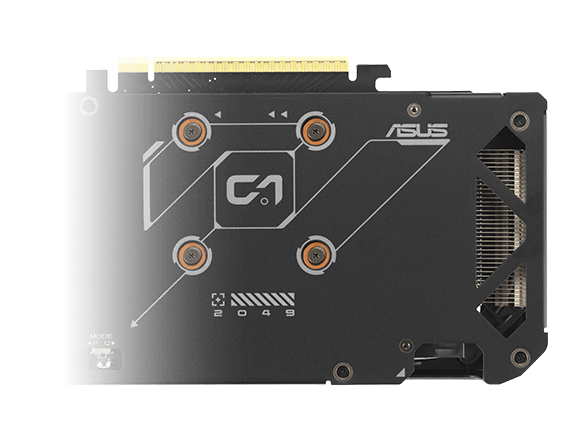
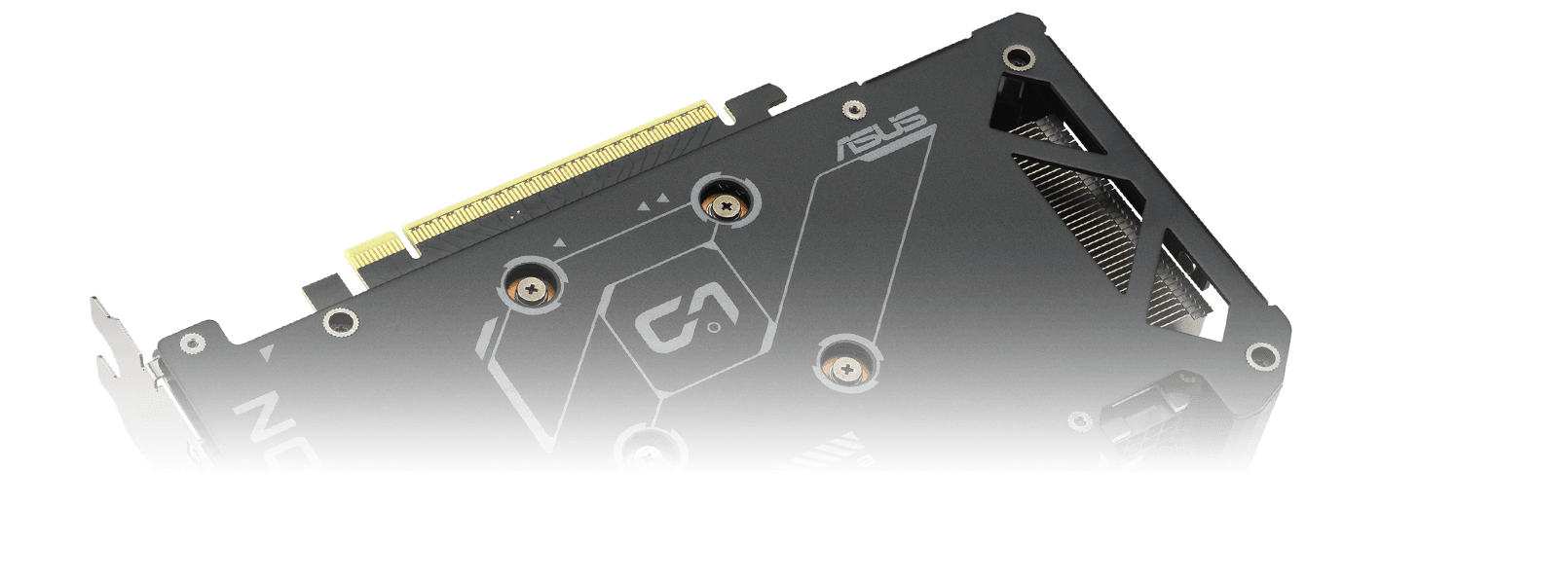
Vented Backplate
A vented backplate significantly enhances heat dissipation, helping to keep the GPU cooler during intense tasks. This additional airflow helps ensure optimal temperatures, boosting performance, longevity and stability by defending against overheating and thermal throttling.
Unmatched Reliability
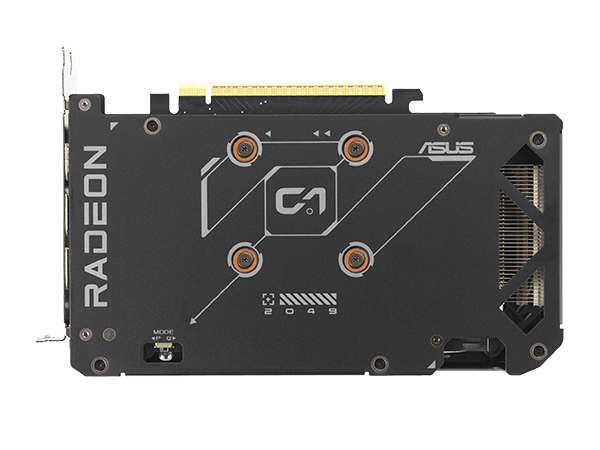
Protective Backplate
The PCB is reinforced by a backplate that adds structural rigidity, helping to prevent flex and to protect components and trace pathways from damage.
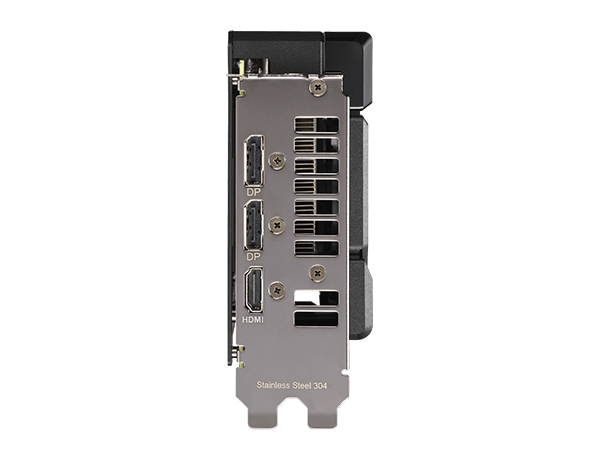
Stainless Steel Bracket
The mounting bracket of the Dual has been beefed up with 304 Stainless Steel that’s harder and more resistant to corrosion.
Engineering
-
![]()
![ASUS Dual Radeon™ RX 9060 XT Dual BIOS switch]()
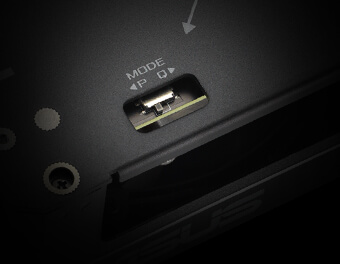
Dual BIOS
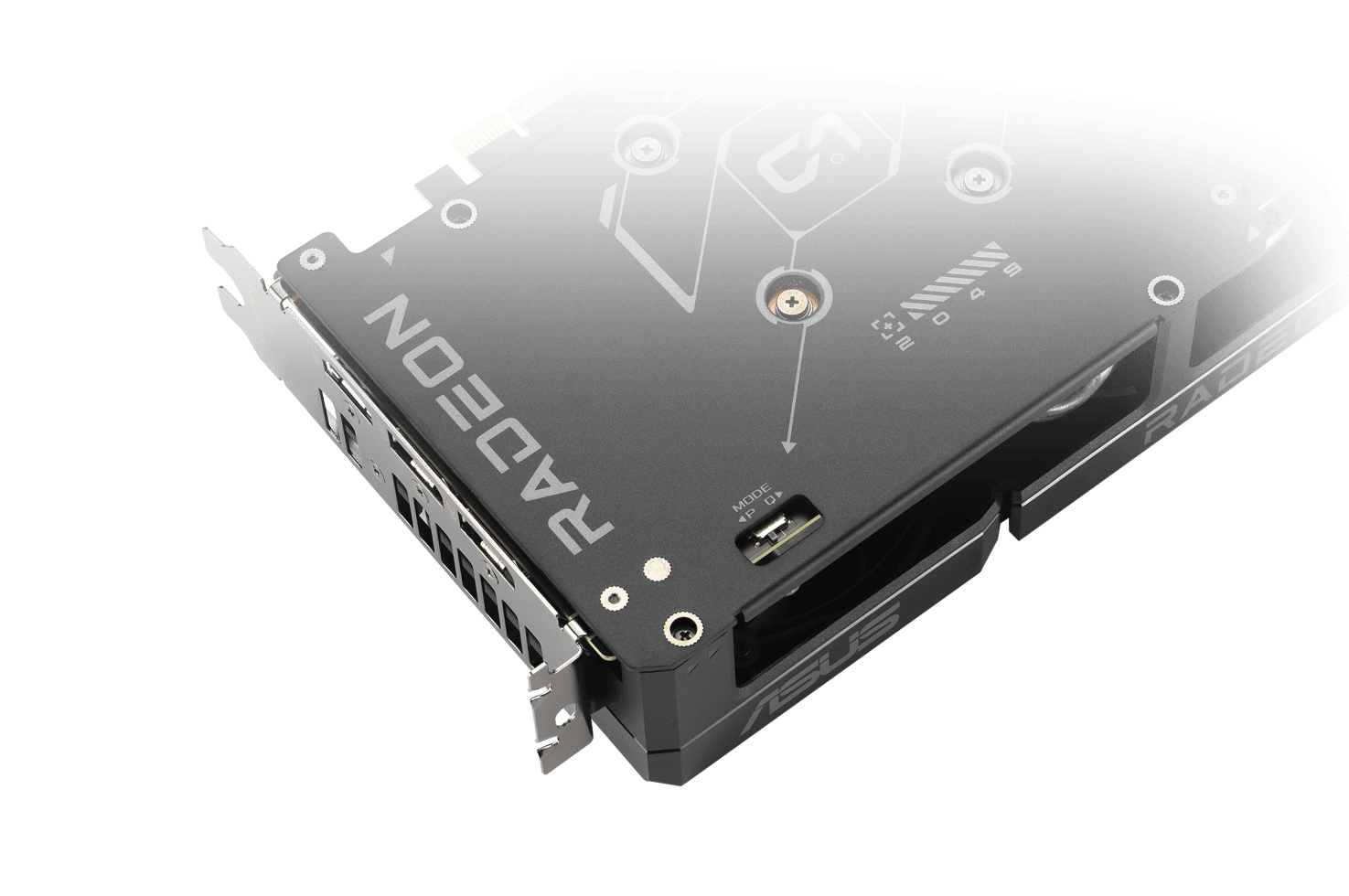
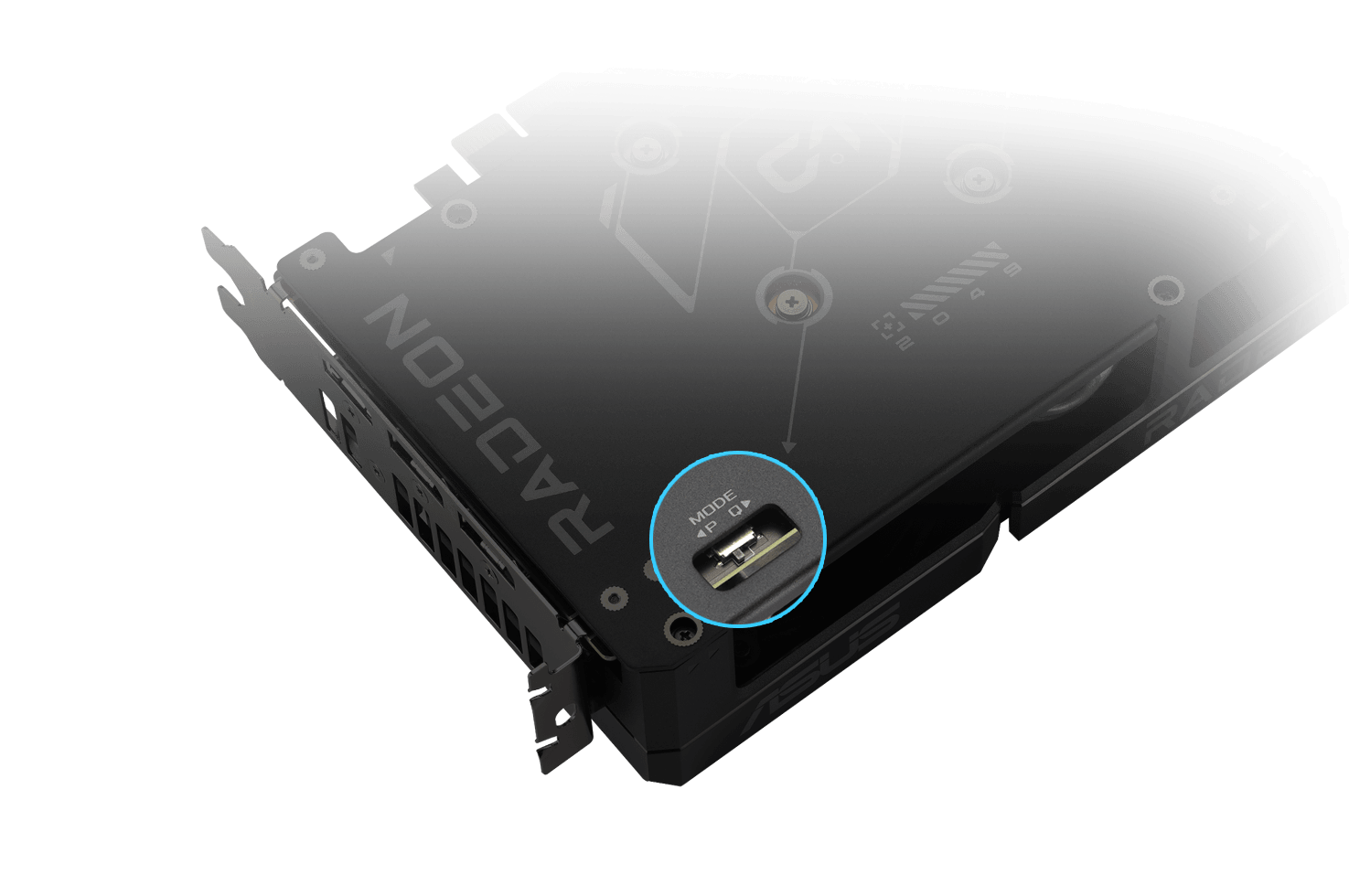
Do you prioritize lower core temperatures or quieter operation? Performance mode increases fan speed to keep the card running cool all the time. Quiet mode maintains the same power target and performance settings, but applies a less aggressive fan curve for quieter operation at medium temperatures. Want more control? Customize your experience with GPU Tweak III software for fine-tuned fan profiles and performance adjustments.
-
Video explaining ASUS Auto-Extreme technology.
Auto−Extreme Technology
Auto-Extreme Technology is an automated manufacturing process that sets new standards in the industry by allowing completing all soldering to be completed in a single pass. This reduces thermal strain on components and avoids the use of harsh cleaning chemicals, resulting and minimizes in less environmental impact. The result is lower power consumption during manufacturing and a more reliable, high-quality product.lower manufacturing power consumption, and a more reliable product overall.
BEST PSU FOR RADEON™ RX 9000 SERIES
Use the wattage calculator to estimate how much power you’ll need to fuel your rig, and then pick a compatible ROG, TUF Gaming or Prime power supply for ultimate performance.
Software
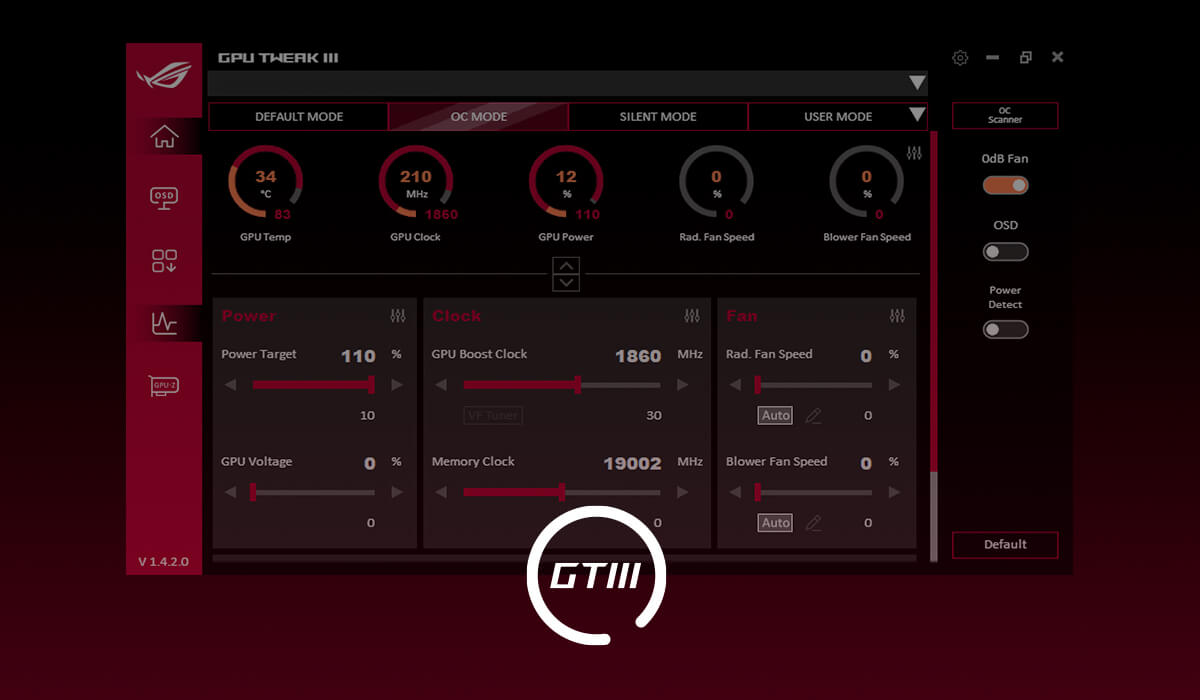
GPU Tweak III
The ASUS GPU Tweak III utility takes graphics card tuning to the next level. It lets you tweak critical parameters including GPU core clocks, memory frequency and voltage settings, with the option to monitor everything in real-time through a customizable on-screen display. Advanced fan control is also included along with many more features to help you get the most out of your graphics card.
Learn more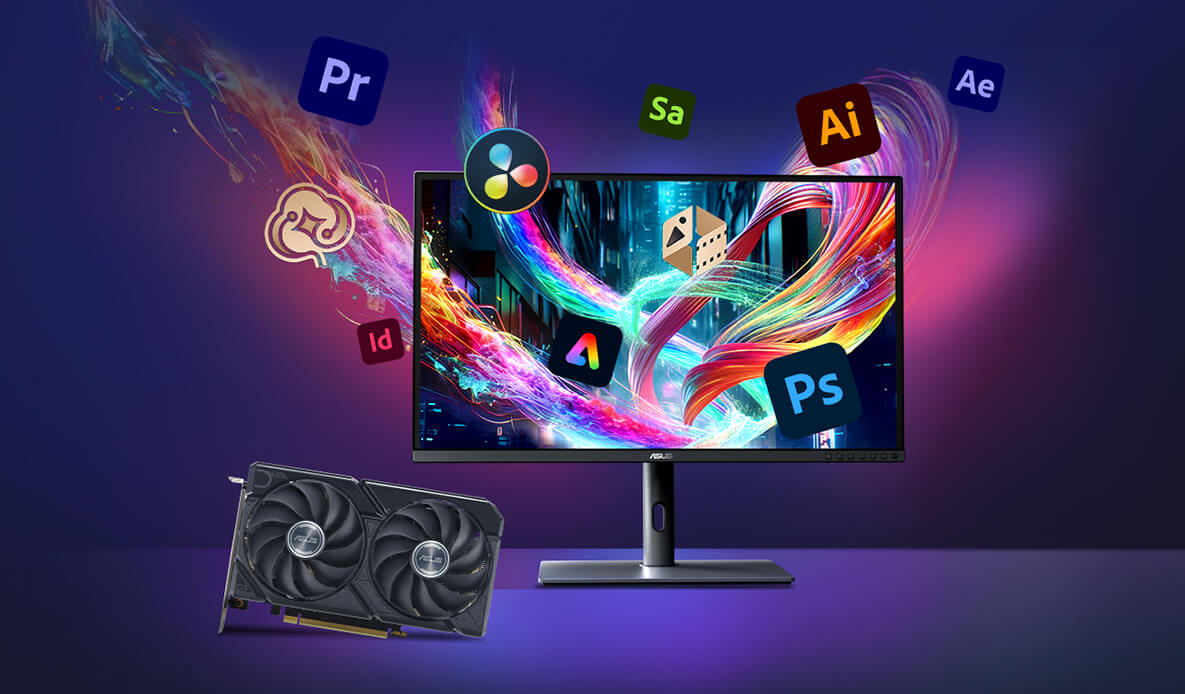

DESIGNED FOR LIGHTNING-FAST GAMING, POWERED BY AMD RDNA™ 4
Experience the next level of 1440p gaming performance with AMD Radeon™ RX 9060 XT graphics cards. Powered by groundbreaking RDNA™ 4 architecture with unified compute units featuring advanced raytracing and AI accelerators, support for AMD FidelityFX™ Super Resolution 4 technology1 and AMD HYPR-RX2 for ultra-smooth, ultra-responsive gameplay that makes every play count.

Powerful AI Enhanced Visuals
Enjoy gaming like never before with immersive, lifelike visuals driven by next-gen raytracing, supercharged with AMD FidelityFX™ Super Resolution 41 ML-powered upscaling, and elevated streaming clarity by Enhanced Media Engine.

Performance Made Easy
The AMD Radeon™ RX 9000 Series puts powerful performance at your fingertips with intuitive AMD Software: Adrenaline Edition. Experience dependable feature rich drivers, real-time AI-powered assistance, and one-click optimization with AMD HYPR-RX2. Elevate your gaming with increased frame rates, reduced lag, and sharper visuals.
Future-Ready Tech
Built for longevity, AMD Radeon™ RX 9060 XT graphics cards feature up to 16GB VRAM, PCI Express® Gen 5 support, AMD Smart Access Memory™ technology3, AI-enabled technologies, and seamless pairing with AMD Ryzen™ 9000 Series processors to unlock the full potential of your AM5 platform. An updated Radiance Display™ Engine featuring DisplayPort™ 2.1a and HDMI 2.1b is ready for the latest ultra-high refresh displays.
- AMD FidelityFX Super Resolution (FSR) versions 1, 2, 3, and 4 are available on select games which require game developer integration and are supported on select AMD products. AMD does not provide technical or warranty support for AMD FidelityFX Super Resolution enablement on other vendors' graphics cards. See AMD FidelityFX Super Resolution for additional information. GD-187b.
- AMD HYPR-RX works on the AMD Radeon™ RX 7000 Series GPUs and newer or the Ryzen 7040 Series APUs with integrated RDNA 3 graphics and newer. AMD HYPR-RX allows various features within AMD Software to interoperate, working at the same time, including Radeon Super Resolution, FidelityFX Super Resolution, Radeon Anti-Lag, Radeon Boost, and AMD Fluid Motion Frames where applicable to select titles. GD-225A.
- AMD Smart Access Memory technology is compatible with AMD Radeon RX 5000 Series GPUs or later, Ryzen 3000 Series CPUs or later (excluding Ryzen 5 3400G and Ryzen 3 3200G CPUs), AMD desktop kits (4800S Series and later), and an AMD 500 Series motherboard or later with the latest BIOS update available at the vendor website. OEM support is required. For additional information see AMD Smart Access Memory. GD-178.
- 11 BIT STUDIOS®, THE ALTERS® are registered trademarks of 11 BIT STUDIOS S.A.
© 11 BIT STUDIOS S.A. All other marks and trademarks are the property of their respective owners. All rights reserved. - © 2024-2025 Activision Publishing, Inc. ACTIVISION, CALL OF DUTY, CALL OF DUTY LEAGUE, MODERN WARFARE, CALL OF DUTY BLACK OPS, CALL OF DUTY WARZONE, and CALL OF DUTY VANGUARD are trademarks of Activision Publishing, Inc. All other trademarks and trade names are the property of their respective owners.
- Copyright © Pearl Abyss Corp. All Rights Reserved.
- © 2025 Advanced Micro Devices, Inc. All rights reserved. AMD, the AMD Arrow logo, Radeon, Ryzen and combinations thereof are trademarks of Advanced Micro Devices, Inc. Other product names used in this publication are for identification purposes only and may be trademarks of their respective owners.
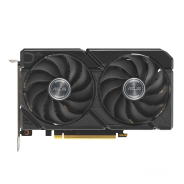
AMD Radeon™ RX 9060 XT
PCI Express 5.0
OpenGL®4.6
16GB GDDR6
OC mode (GPU Tweak III): up to 3250 MHz (Boost Clock)/up to 2640 MHz (Game Clock)
Default mode: up to 3230 MHz (Boost Clock)/up to 2620 MHz (Game Clock)
2048
20 Gbps
128-bit
Digital Max Resolution 7680 x 4320
Yes x 1 (Native HDMI 2.1b), Yes x 2 (Native DisplayPort 2.1a), HDCP Support Yes (2.3)
3
No
1 x Thank you card
1 x Speedsetup Manual
ASUS GPU Tweak III & Drivers: please download all software from the support site.
202 x 120 x 49mm
550W
1 x 8-pin
2.5 Slot
* Our wattage recommendation is based on a fully overclocked GPU and CPU system configuration. For a more tailored suggestion, please use the “Choose By Wattage” feature on our PSU product page: https://rog.asus.com/event/PSU/ASUS-Power-Supply-Units/index.html
* All specifications are subject to change without notice. Please check with your supplier for exact offers. Products may not be available in all markets. If you do not use the latest and current specifications of ASUS products, you shall be liable for all loss and damage claimed by third party to ASUS based on false advertising or any other issues caused from using false specifications of ASUS products.
* ‘Game Clock’ is the expected GPU clock when running typical gaming applications, set to typical TGP (Total Graphics Power). Actual individual game clock results may vary.
* ‘Boost Clock’ is the maximum frequency achievable on the GPU running a bursty workload. Boost clock achievability, frequency, and sustainability will vary based on several factors, including but not limited to: thermal conditions and variation in applications and workloads.